Take a photo
You take the photo. Sarah does the writing.
Put the invoice down on the counter and photograph it. By the time the screen opens, it is all there: the supplier and their business number (ח.פ), the date, the document number, every line with its quantity, price, discount and VAT (מע״מ), right down to the total. All that is left for you is to read it over and approve.
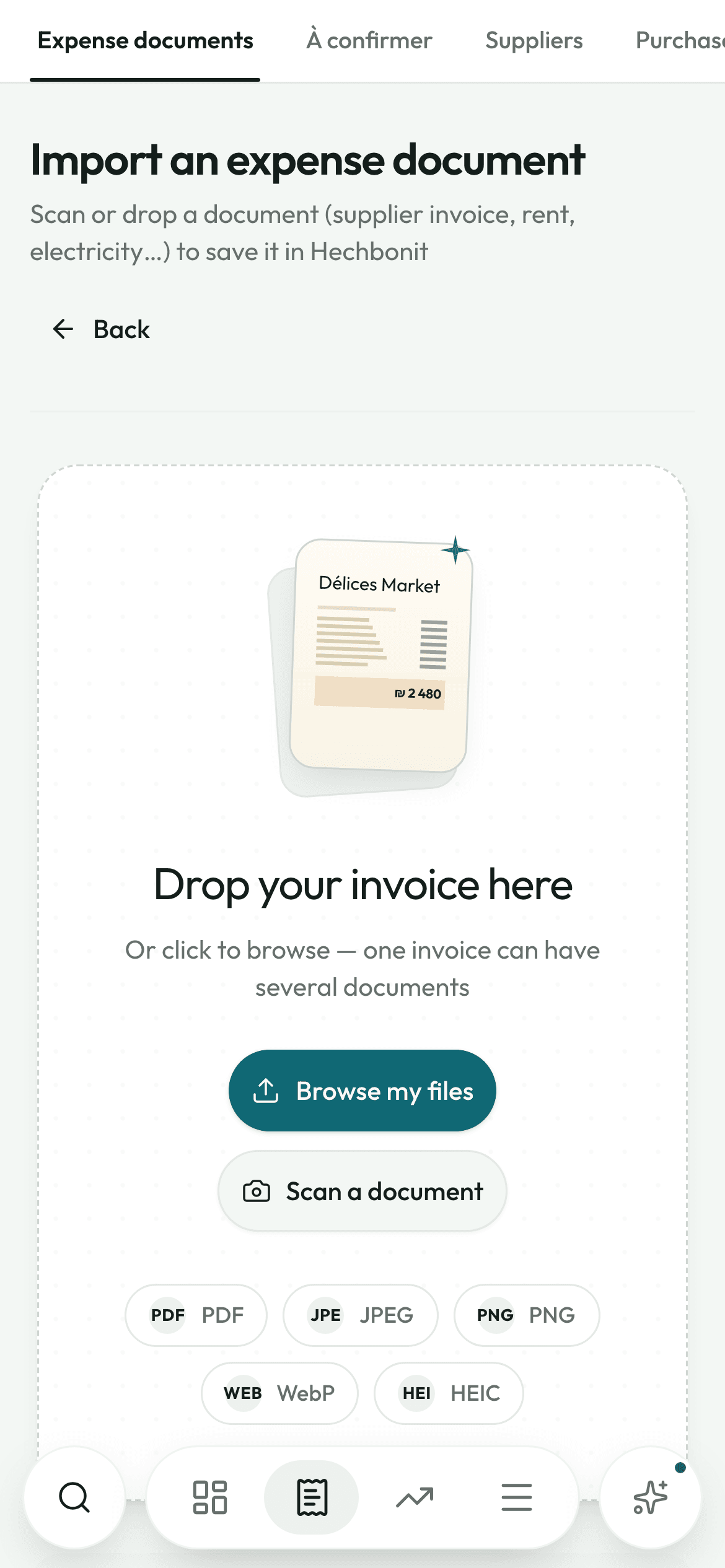
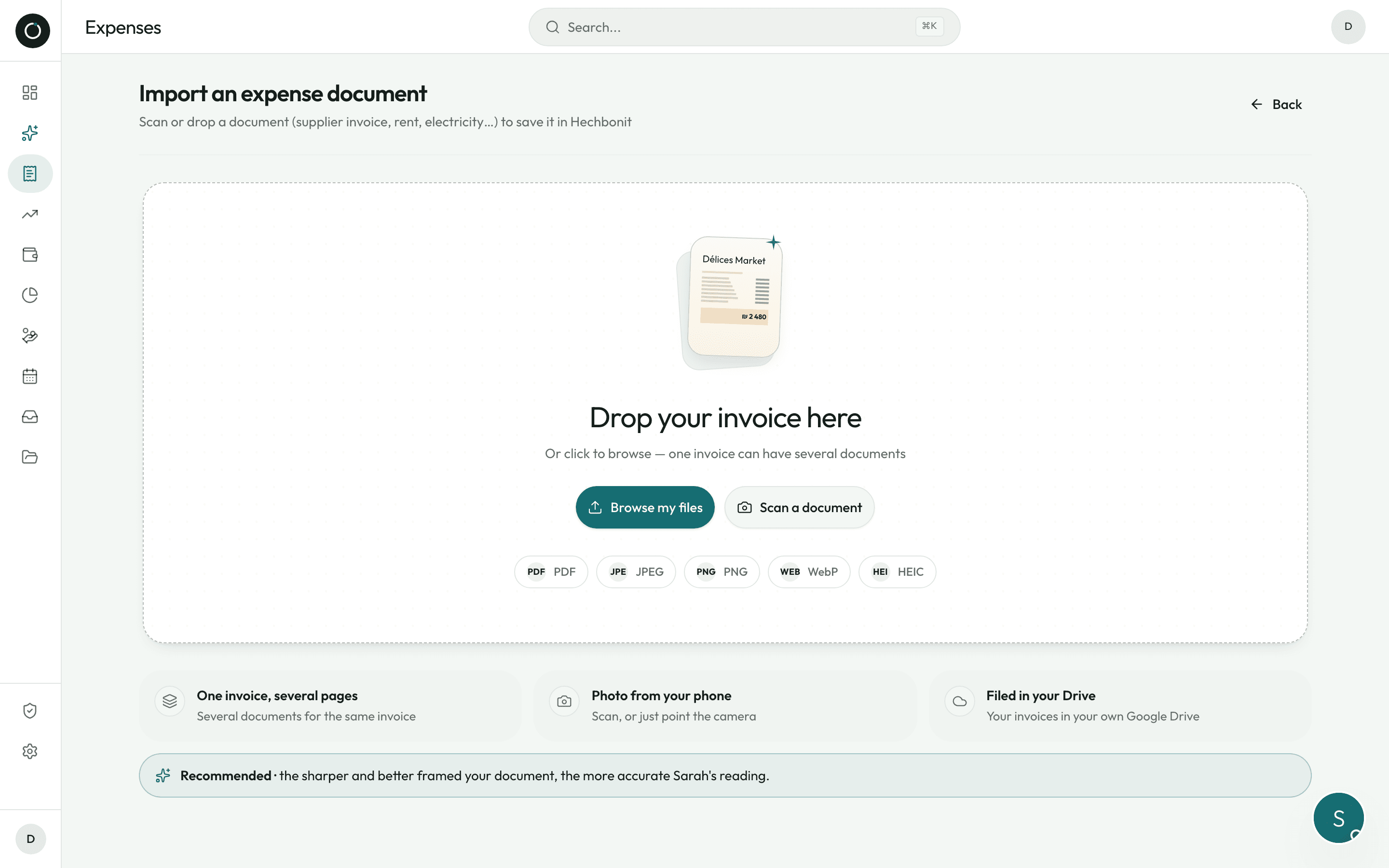
A straight page, even when the paper is crooked
The scanner opens the rear camera at high resolution and places the four corners on its own. You can still move them with your finger: four corner handles, four edge handles, and a magnifier that follows your thumb. Once you confirm, the page is cropped and straightened.
- Several pages in one scan: tap “Add a page” and it all stays one invoice
- iPhone photo, Android scan, PDF, screenshot — send whatever you have on hand
- HEIC photos from the iPhone are converted on their own
- Camera blocked (the WhatsApp browser, permission refused)? One button switches over to the phone camera
- On Android, an “Auto flash” button turns the light on just before the shot — enough to scan in a dim stockroom (Apple does not allow this from Safari)
- A heavy scan is sent in pieces, and each piece is retried once if the connection drops
What she reads from a single photo
Here is what comes off a real Israeli invoice, line by line. Every word is copied, never guessed: an unreadable word is written out letter by letter and flagged, rather than replaced by a product that would look more sensible.
- The type of document, read from its heading: tax invoice (חשבונית מס), credit note (חשבונית זיכוי), tax invoice / receipt (חשבונית מס קבלה), receipt (קבלה), Z report (דוח Z), return note (תעודת החזרה)
- The LEGAL name of the business and its ח.פ — not the branch name printed on the letterhead (“מאיר עזרא סניף 5” is not a company name)
- The document number, the date, the due date, and the allocation number (מספר הקצאה) — found by its own label, told apart from barcodes and item codes, and accepted only if it is exactly nine digits
- Every line: the product name, the item code, the barcode, the quantity, the unit price before discount, the discount in % or in ₪, the VAT, the line total
- The overall discount, agorot rounding (עיגול אגורות) with its sign, the amount before VAT, the VAT, the taxable amount, the total to pay
- The payment method, the cheque number, and the number of the invoice that a receipt settles
She checks herself before you do
One digit read wrong is a balance that stays wrong for six months. So the app does not simply read: it starts over, it checks its own arithmetic, and it shows you in plain sight every correction it made.
- A second reading of the text on every document: on a photo, the lines are cropped in close-up at full resolution, to read again what is printed small
- Each line is checked against its own arithmetic (quantity × price − discount = the printed total), and so is the whole document; corrections show up in green
- A correction is accepted only if it really looks like a misread digit — one character apart (61.75 → 67.75). Otherwise the app flags it instead of inventing
- Lines that still do not add up go back for a targeted re-read, with that line enlarged
- Rounding gaps of one agora on discounted lines do not set off a false alarm
- Whatever is still in doubt is gathered into one notice: “2 gaps found — tap for the detail”, with the line number

I go over everything a second time before I bother you.
Checking it, one screen at a time
Each part opens full screen — Supplier, Details, Lines, Totals — with the document on top and the fields large underneath. “Step 2 / 4” tells you where you are, and the sequence follows the type of document: a receipt skips the lines, a credit note has nothing to collect.
- The supplier, the number, the date and the totals each carry a dot: green “reliable”, orange “worth checking”, red “not sure”. You know where to look instead of reading it all again
- An “open large” magnifier on the fields you need to read and fix: a product name comes up big, an amount comes up very big
- Product view: the items one by one, each with its green tick — “7 / 12 checked, 5 to go”
- A tag compares the price with the last one on record: “+12% · last ₪13.50”, or with your fixed price
- The allocation number is required whenever the law asks for it, following the threshold in force on the date of the document, with a clear message
- The total that gets saved is the one printed on the paper; if it no longer matches the lines, the app tells you instead of deciding quietly
Twenty invoices in a row, without ever waiting
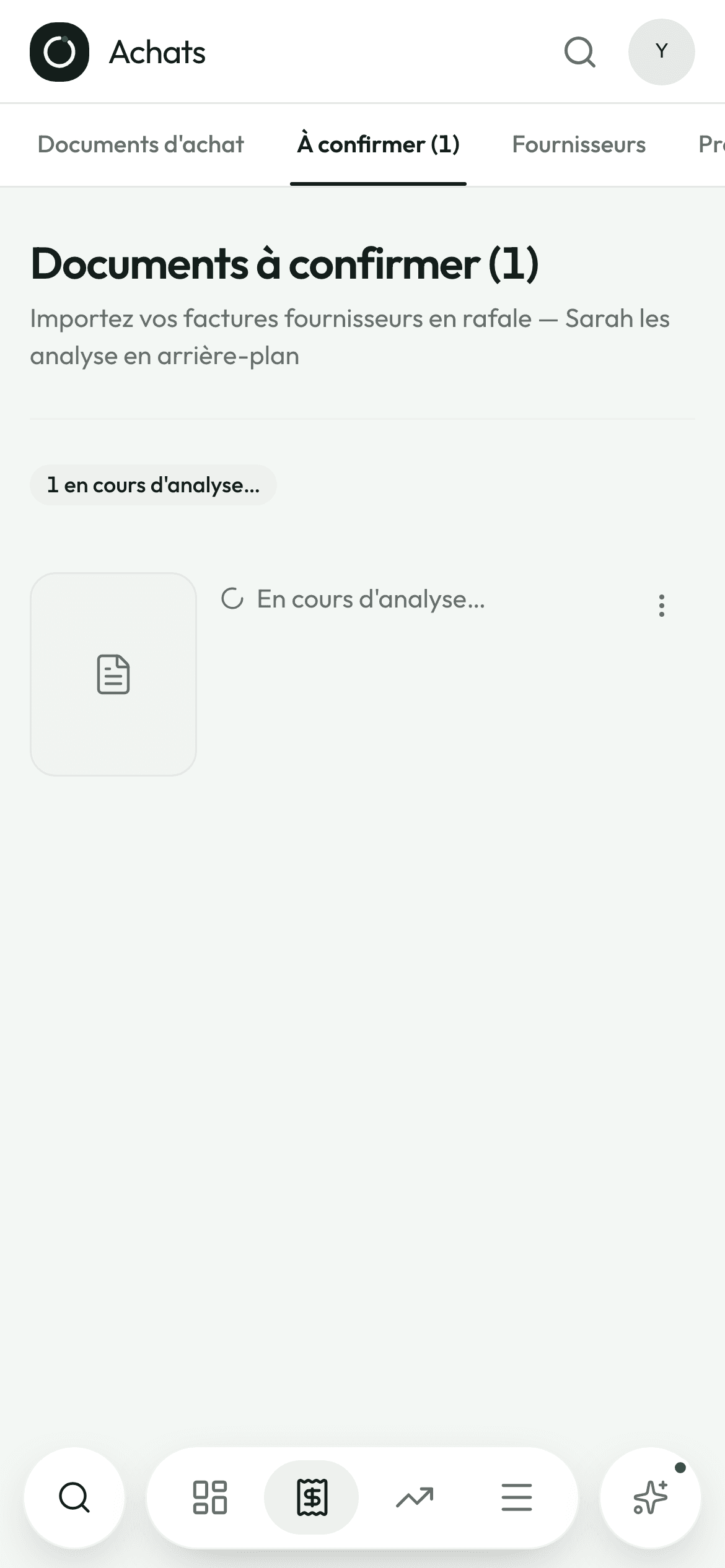
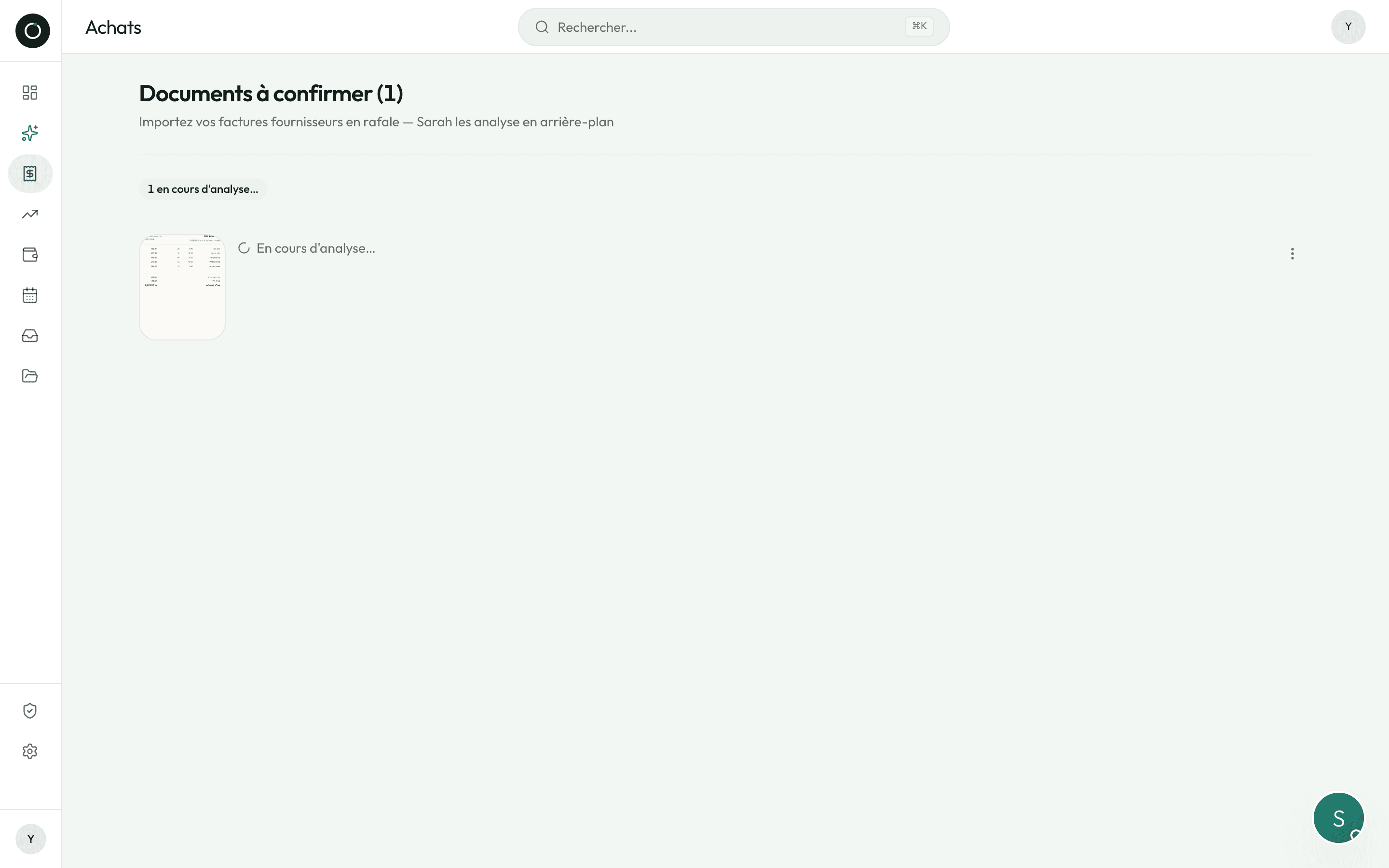
Every document goes straight into the “To confirm” queue and the screen clears for the next one. The reading runs on the server: it carries on even if you leave the page or close the app to serve a customer.
- The thumbnail of the document appears BEFORE the upload has finished: “Uploading…”, then “Being read…”
- If it gets stuck, the row shows “Upload failed” with the reason and a “Try again” button — nothing ever disappears in silence
- Duplicates are spotted in the queue, blocked before the check, and blocked again when saving
- Every cause of failure has its own message and says what to do: file too heavy, PDF with too many pages, format that cannot be read, upload cut short
- If the reading fails, a “Manual entry” button opens the blank form: you save the invoice right away
- A failed reading restarts with one tap, with no risk of running it twice
Good to know
- The same move works for a Z report, a payslip and a supplier's account statement (כרטסת).
- The file sent off to be read is made lighter so it goes fast; the original filed in your Google Drive keeps its full quality.
- The type you set wins: when you say “this is a Z report”, the app takes your word for it, even if the reading hesitates.
- The item code and the barcode each land in their own box, and the product name stays clean, with no digits stuck in front of it.
- One upload = one document: files sent together are read as the pages of a single invoice.
- A document that arrives by email has already been read by the time you open the app.
Try it on your own real invoices.
Create my account14 days on us · No credit card